

Manage your Google listing photos
Add, organize and optimize your Google Business Profile photos directly from Sparkavis.
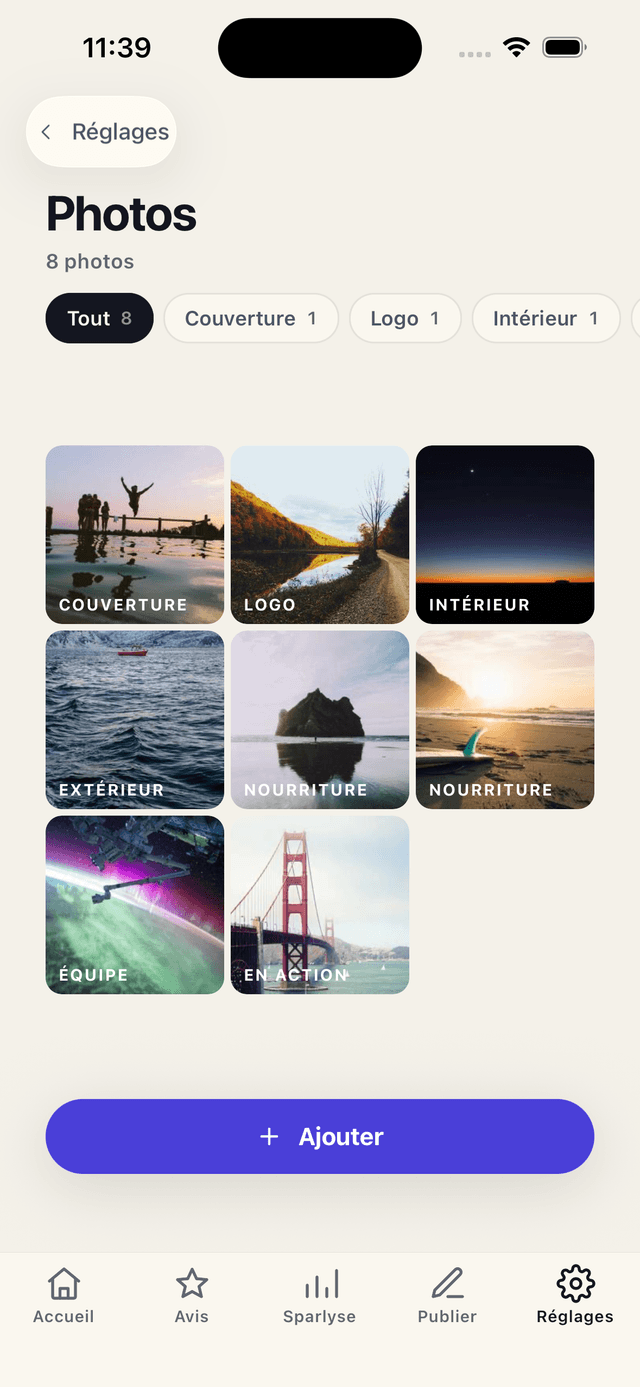
Easy upload
Add photos from your gallery or take one directly from the app.
Measurable impact
Listings with photos receive 42% more direction requests on Google.
First impression
Quality photos attract more customers and build trust.
Photos that attract customers
Photos are the first thing customers see on your Google listing.
- Upload from gallery or camera
- Preview before publishing
- Category organization
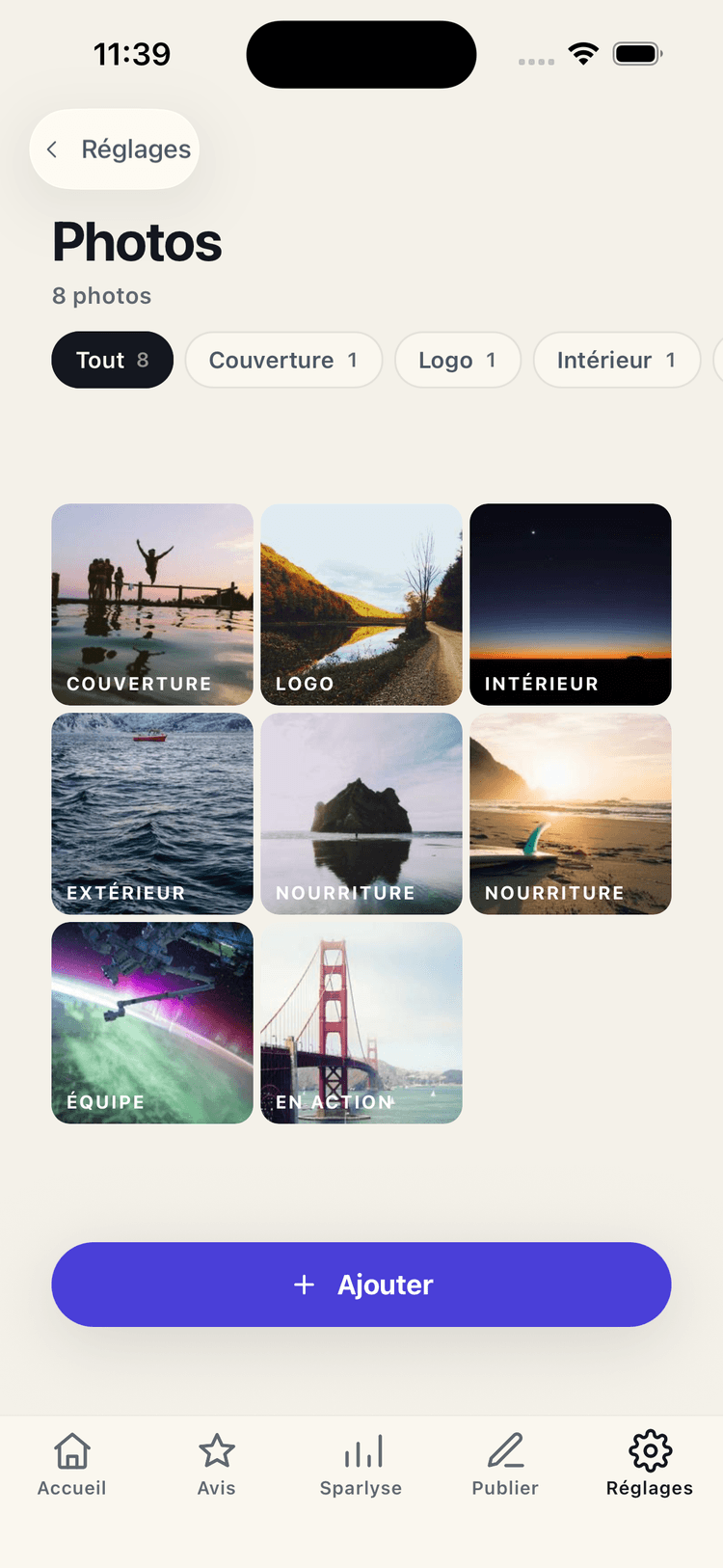
Optimize your visual listing
Google favors listings with recent and varied photos.
- Business photos
- Product/service photos
- Cover photo and logo
< 30s
Average AI response time
3
Customizable response tones
24/7
Access to reviews and stats
100%
Compatible iPhone, iPad and Android
Frequently asked questions
How many photos can I add?
There is no limit. Google recommends adding at least 3 quality photos.
Do photos appear instantly?
Photos are sent to Google and generally appear within hours of upload.
Can I delete photos?
You can delete photos you've added. Photos added by customers are not modifiable.
Is photo management free?
Yes, photo management is available from the Pro plan.
Ready to boost your reviews?
Download Sparkavis for free and start managing your Google Business reviews right now.