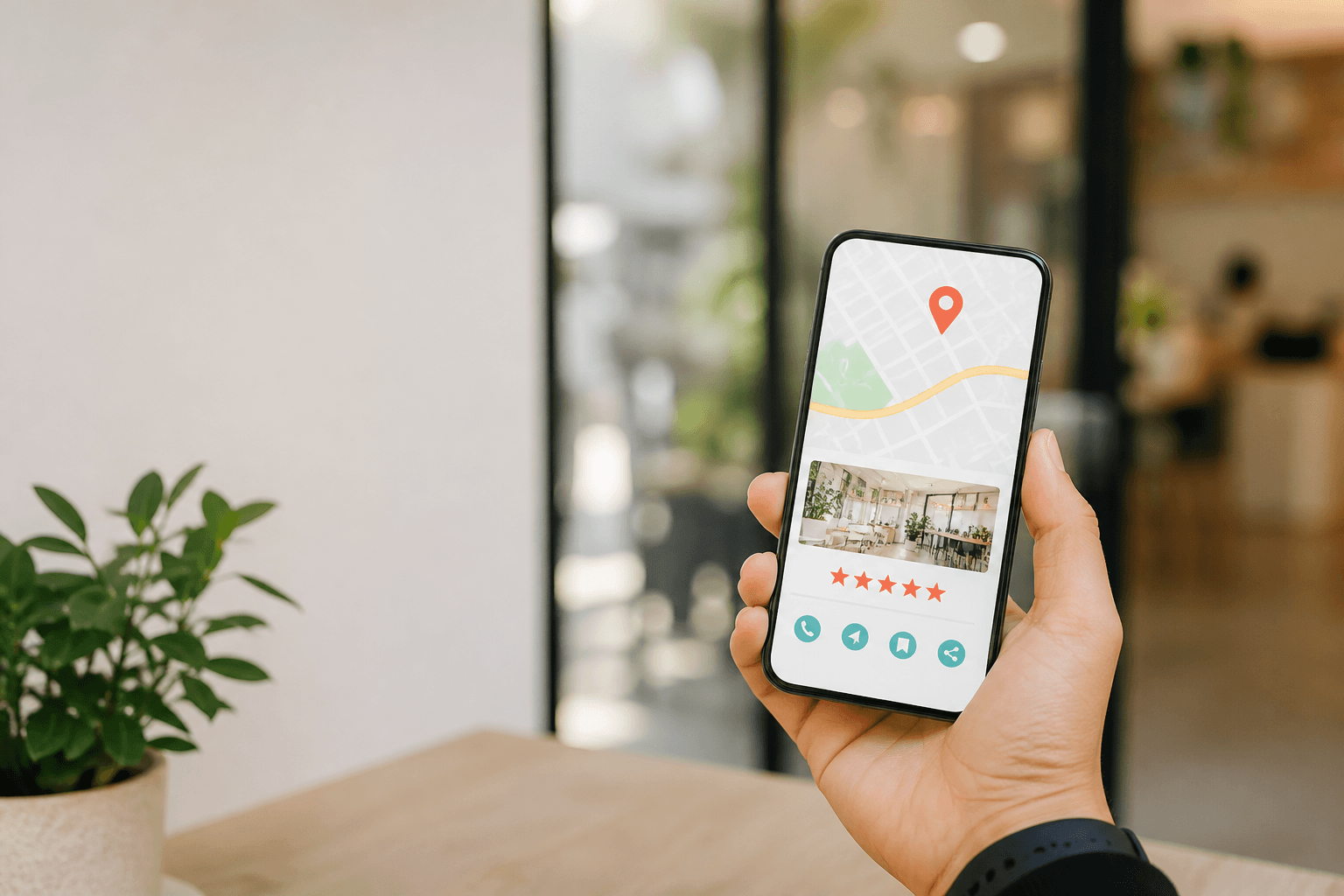
In brief: Google Posts are ephemeral publications displayed on your business listing. When used effectively, they complement reviews, drive local engagement, and increase visibility for individual businesses and multi-location chains alike. Here's how to integrate them into your local SEO strategy in 2026.
You've optimized your listing, collected reviews, perfected your photos… yet your business remains under the radar in local search results. What if the missing piece lies in these publications that many managers still overlook?
In 2026, the Google Business Profile listing has become a true mini-website at the heart of local search results. Reviews play a central role, but they only tell the past. Google Posts speak to the present: a promotion, news, an event. For businesses and chains looking to increase customer engagement, these publications represent an underutilized lever. Drylead helps managers adopt this approach by building a coherent local content strategy that goes beyond review management alone.
In this article, you'll discover why Google Posts deserve a place in your local strategy, how to align them with your reviews, and how to roll them out across multiple locations. By the end, you'll have a concrete method to transform your listing into an engagement tool.
Why are Google Posts an underestimated engagement lever in 2026?
Google Posts give your listing an immediate voice. They capture the attention of people already searching locally, complement reviews, and drive action. In 2026, they become a differentiator for businesses that want to stay visible.
Let's take a concrete example. Imagine a neighborhood restaurant with good reviews, but a static listing. Someone searches for a table for tonight. They see the rating, a few comments, then move on without booking. By contrast, a business that publishes a post announcing a special menu or themed evening creates an immediate spark. The post doesn't replace reviews—it gives people a reason to act now.
That's the real power of Google Posts: they inject freshness into an often static space. Reviews speak about past experiences, while posts show what's happening today. For a manager, it's an opportunity to take back control of their business's narrative, without relying solely on customer comments.
In 2026, local search results give prominence to active listings. A regularly updated listing signals a thriving business that listens to its customers. This signal, though qualitative, influences how both users and search engines perceive your business. Google Posts fit into a coherent Google Business content strategy, where each publication strengthens your listing's credibility.
Finally, these publications offer a controlled space for expression. You choose the message, visuals, tone, and call to action. It's a valuable complement to reviews, which escape your control. For managers who want to promote their business without relying solely on word-of-mouth, it's a tool to implement now.
Key takeaways:
- Google Posts bring freshness and an immediate reason to act on your listing.
- They complement reviews by showing your business's current activity, not just its past.
- An active listing sends a positive signal to both users and search engines.
A review tells what was experienced; a Google post shows what's happening now. Together, they create a credible and vibrant listing.
How do Google Posts and reviews work together to engage local customers?
Reviews build trust, Google Posts drive action. Combining both covers the entire local journey: from discovery to decision. A listing that pairs social proof with current news converts local searchers more effectively.
Imagine a potential customer torn between two hair salons. Both have good reviews. The first has a static listing unchanged for months. The second publishes a post announcing a new service or seasonal offer. Which inspires more confidence? The second, likely, because it shows recent activity and attention to customers.
Reviews serve as social proof: they confirm the business delivers on its promises. Google Posts serve as proof of currency: they show the business is still moving forward. Together, they answer the two questions a local searcher asks: "Can I trust this?" and "Is this the right time?"
For a manager, the trick is to make the two dialogue. A post can highlight a recent review, thank customers, or announce an improvement based on feedback. This loop creates an effect of transparency and responsiveness. Users perceive a business that reacts, not just one that accumulates stars.
This is where coherent Google Business content truly matters. It's not about publishing for the sake of it, but building a consistent narrative across reviews, photos, and posts. Drylead recommends integrating Google Posts into a simple editorial routine, just like review management. A vibrant listing is one that makes people want to walk in.
Key takeaways:
- Reviews build confidence in quality; Google Posts create urgency and timeliness.
- Making reviews and posts dialogue reinforces perceived transparency and responsiveness.
- Integrate Google Posts into your review management routine for a cohesive listing.
Trust is built with reviews, but decisions are often triggered by a timely, relevant post.
What types of Google posts generate the most local engagement?
Posts showing concrete news, limited offers, or useful information generate the most engagement. Quality visuals, clear calls to action, and seasonal content strengthen local impact.
Not all posts are created equal. A generic post like "Come visit us" has little effect. By contrast, a post announcing something new, a limited offer, or a local event captures attention because it gives an immediate reason to act. A local searcher doesn't need a slogan—they need concrete information.
Take a bakery that posts a photo of its fresh sourdough loaves with "available from 4 PM." The message is simple, visual, grounded in daily life. It creates a reflex: stop by in the evening. By contrast, an overly institutional post goes unnoticed. Effective Google Business content reads like neighborhood conversation, not a press release.
Limited-time offers also work well, as long as they're honest and easy to understand. A clear promotion with a visible end date drives action. Local events, workshops, open houses, or seasonal launches are natural reasons to post. The goal isn't to flood your listing, but to create regular touchpoints with your audience.
Don't forget the call to action. A button saying "Learn more," "Book," or "Get directions" transforms a simple post into concrete action. That detail makes the difference between a post that's seen and one that generates measurable local customer engagement.
Key takeaways:
- Prioritize concrete news, limited offers, and useful information over generic messages.
- Quality visuals and a clear call to action boost engagement.
- Create a regular posting rhythm rather than isolated bursts.
An effective local post doesn't shout louder—it says something useful, at the right time, to the right person.
How do you roll out multi-location Google posts without losing relevance?
For chains, the key is centralizing strategy while adapting each post to local context. A common framework, local variations, and quick approval allow you to scale without flattening the message.
Managing multi-location Google posts presents a classic challenge: how do you maintain brand consistency while staying locally relevant? A restaurant chain posting identical content across all listings eventually loses impact. Excessive customization, on the other hand, becomes unmanageable. The right balance lies in a hybrid approach.
Concretely, you can define a central framework: themes, brand visuals, calls to action, and tone. Then each location adapts part of the message to its local context: a local offer, a neighborhood event, city-specific news. This local variation adds substance to the post and avoids the copy-paste effect that users quickly spot.
Success in multi-location posting also depends on organization. A shared editorial calendar, post templates, and a quick approval process allow regular publishing without overwhelming teams. Chains that succeed here don't post more—they post better, with clear frameworks and defined responsibilities.
Finally, remember that each listing is evaluated in its local context. A post relevant for an urban location may not work for a suburban one. Multi-location isn't about duplication—it's about smart adaptation. That distinction is what separates brand presence from true local presence.
Key takeaways:
- Centralize the framework (themes, tone, visuals) and let each location adapt the local message.
- Avoid strict duplication, which hurts relevance and engagement.
- Implement a shared editorial calendar and a quick approval process.
In multi-location management, brand consistency doesn't require uniformity—it requires intelligent adaptation.
What best practices should you adopt for high-performing Google Posts in 2026?
Post regularly, care for your visuals, write a clear message, and end with a call to action. Measure interactions, adjust, and integrate posts into your local management routine. Consistency beats quantity.
The first best practice is consistency. One post per week or every two weeks is enough to keep your listing active, provided it's relevant. One well-crafted post per week beats a flood of uninteresting content. Consistency creates a touchpoint, and that touchpoint drives engagement over time.
The second best practice concerns visuals. A quality image, well-framed and mobile-friendly, catches the eye in a competitive environment. Avoid generic stock photos—use your own pictures showing your business, team, or products. Visual authenticity builds trust and sets your listing apart.
Your text should be short and direct. A clear message, useful information, an explicit call to action. Users scan, especially on mobile. Structure your post like a mini-press release: essentials first, details second. And always verify that links and buttons work correctly.
Finally, measure. Your listing's analytics show interactions, clicks, and calls generated. Use this data to refine your posts, identify themes that work, and fix what goes unnoticed. This continuous improvement loop is what transforms isolated posts into a real engagement strategy.
Key takeaways:
- Consistency and relevance beat quantity of posts.
- Use authentic visuals and keep messages short with a clear call to action.
- Review listing analytics to adjust and improve your posts.
Posting regularly is good; posting usefully is better. Your data tells you which one you're actually doing.
Frequently asked questions
How often should you post Google Posts on your listing?
To keep your listing active, post at least once a week or every two weeks. Consistency matters more than quantity: one relevant, well-crafted post beats several generic ones. Adjust your rhythm to match your news and your capacity to produce useful content.
Do Google Posts directly impact local ranking?
Google Posts aren't a direct ranking factor on their own. However, an active listing regularly updated sends a signal of freshness and relevance that complements reviews and listing information. Impact is measured mainly in local engagement and conversion.
How do you manage Google posts for multiple locations?
Define a central framework (themes, tone, visuals, calls to action), then let each location adapt part of the message to its local context. Use a shared editorial calendar and a quick approval process to post regularly without overwhelming teams.
What type of content works best on Google Business Profile?
Concrete, timely content works best: new offerings, limited-time deals, local events, useful information. Add authentic visuals and a clear call to action. Avoid generic messages that give no immediate reason to act.
Can you link Google Posts to customer reviews?
Yes, and it's recommended. You can highlight a recent review, thank customers, or announce an improvement based on feedback. This connection creates transparency and responsiveness, strengthening user trust and complementing the social proof of reviews.
How do you measure the effectiveness of your Google posts?
Check your Business Profile analytics: interactions, clicks, calls, and direction requests. Compare posts to identify themes and formats that drive the most engagement. Then adjust your editorial calendar based on these insights.
Go further
Sparkavis is powered by Drylead, an SEO and web development agency.